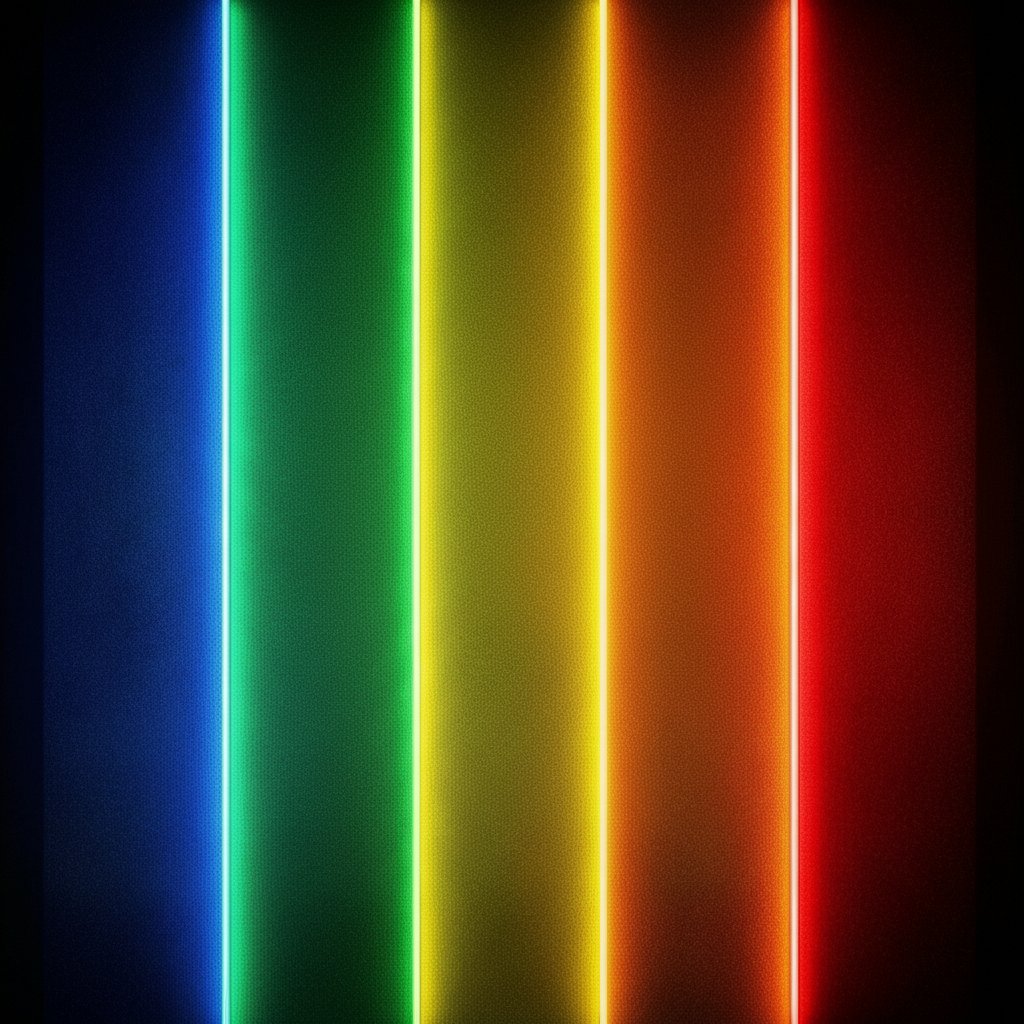
Zone Visualisation
See your training zones displayed beautifully and clearly. Know exactly where your effort sits — every session, every rep.
Vivid Colour
Each zone rendered in bold, distinctive colour. At a glance you know your zone — no squinting at numbers mid-workout.
Built for Athletes
Whether you train by heart rate, power, or pace — Zonelight adapts to your metrics and your sport.
On-Device
No accounts required. Your training data stays on your device — private, fast, and always available.
Getting started with Zonelight takes under a minute.
Download & Open
Download Zonelight from the App Store and open it. No account or sign-in needed to get started.
Set Your Zones
Enter your training zone thresholds — heart rate, power, or pace ranges — to match how you already train.
Train & Glance
During your session, Zonelight shows your current zone in vivid colour. No maths, no second-guessing — just your zone, instantly.
Review Your Session
After training, see a breakdown of time spent in each zone. Understand your effort distribution and track progression over time.
Need help or want to share feedback? Here's how to reach us.
App Store Review
Enjoying Zonelight? A review makes a real difference for an independent app.
Leave a ReviewWhen reporting a bug, please include:
- Your iPhone model (e.g. iPhone 15 Pro)
- iOS version (Settings → General → About)
- App version (Settings → General → iPhone Storage → Zonelight)
- Steps to reproduce the issue
- Screenshots if possible